So you have registered a domain name of your own and you now want to create a custom @yourdomain.com email address?
There are generally three ways for you to achieve this:
- Sign up for a web hosting service and create your email account(s) with your hosting provider's control panel.
- Use an email forwarding service by your domain registrar (if supported).
- Sign up for an email hosting service like Google WorkSpace (previously known as G Suite or Google Apps for Work) or Office365 account which starts from $6 USD per month.
What if there’s a better way to achieve this?
I’ve been using a service called ImprovMX which allows you to setup email forwarding in seconds and start receiving and sending emails with your domain name, absolutely free.
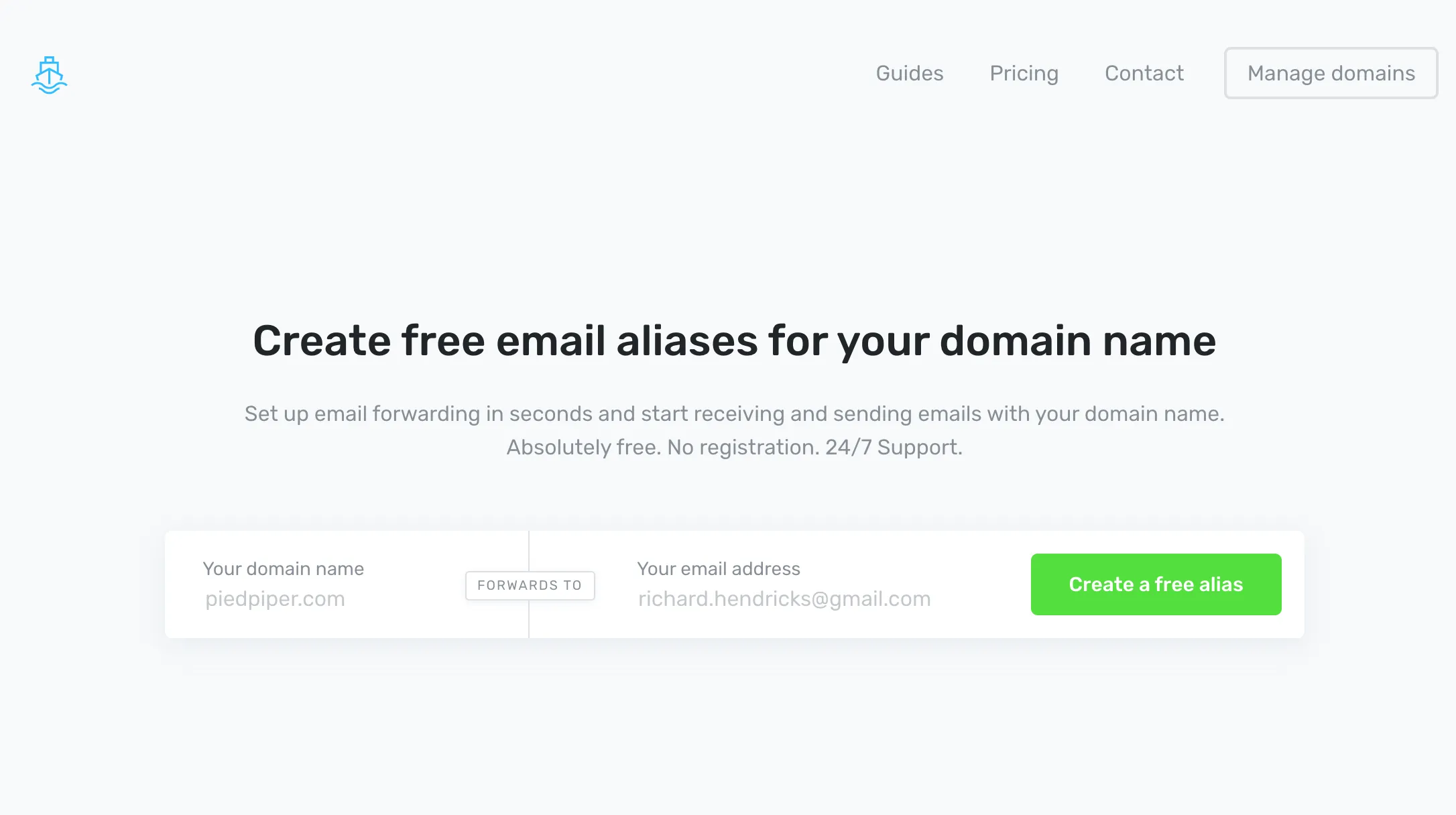
You can setup email addresses with your own domain and have it forward to your personal or specially created email address at Gmail, Outlook or anywhere else.
You can also send emails using Gmail’s SMTP under your @yourdomain.com email address which is pretty cool.
If you are concerned about privacy, feel free to take a look at their Privacy Policy, GDPR Compliance and details about what do they log.
One thing you will want to keep in mind is that no matter which email provider you choose, you will need to be able to trust them as your email messages will pass through their servers.